
Revisit the route.
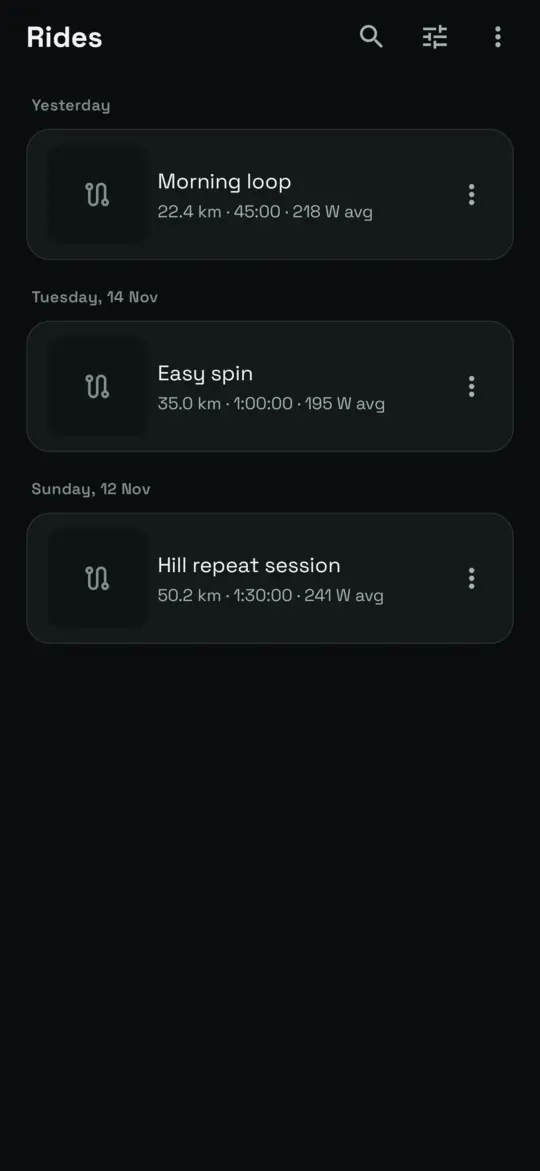
Find a saved ride, see where you went and replay your progress along the route.
The climb, the detour, the ride you’ll want to do again. Keep the route and the details together, ready for another look.
Explore your ride filesRide previews show example data.
More than a finish line
Find a saved ride, see where you went and replay your progress along the route.
Look through charts for recorded metrics and put the climbs and efforts back in context.
Export an activity file for another tool, or turn a saved ride into a route to ride again.
Your ride, beyond the app
Choose an export format that suits the tool you use. The information available depends on what was recorded and what the destination supports.
Rides are stored on your device. Sharing, exports and optional connected services are separate actions that can send data elsewhere.
Read the privacy policyQuestions, answered
Yes. Ride recording uses on-device location and sensor data and does not need an internet connection. Prepare map and routing downloads separately if you want those features offline.
Saved rides are stored locally. They can leave the device when you export or share them, use an optional connected service, or enable a feature that sends location. Online maps, weather, search and routing also communicate with their providers.
The app can remove a saved ride and its associated local photos. Deletion on the phone does not recall copies you exported, shared or uploaded to another service.
A backup can contain ride and setup information, including saved API credentials in readable form. Treat it as a sensitive file, store it carefully and do not share it publicly.